

If you’re unsure about anything,
Print Prime offers free file checks to ensure your prints perfectly the first time.
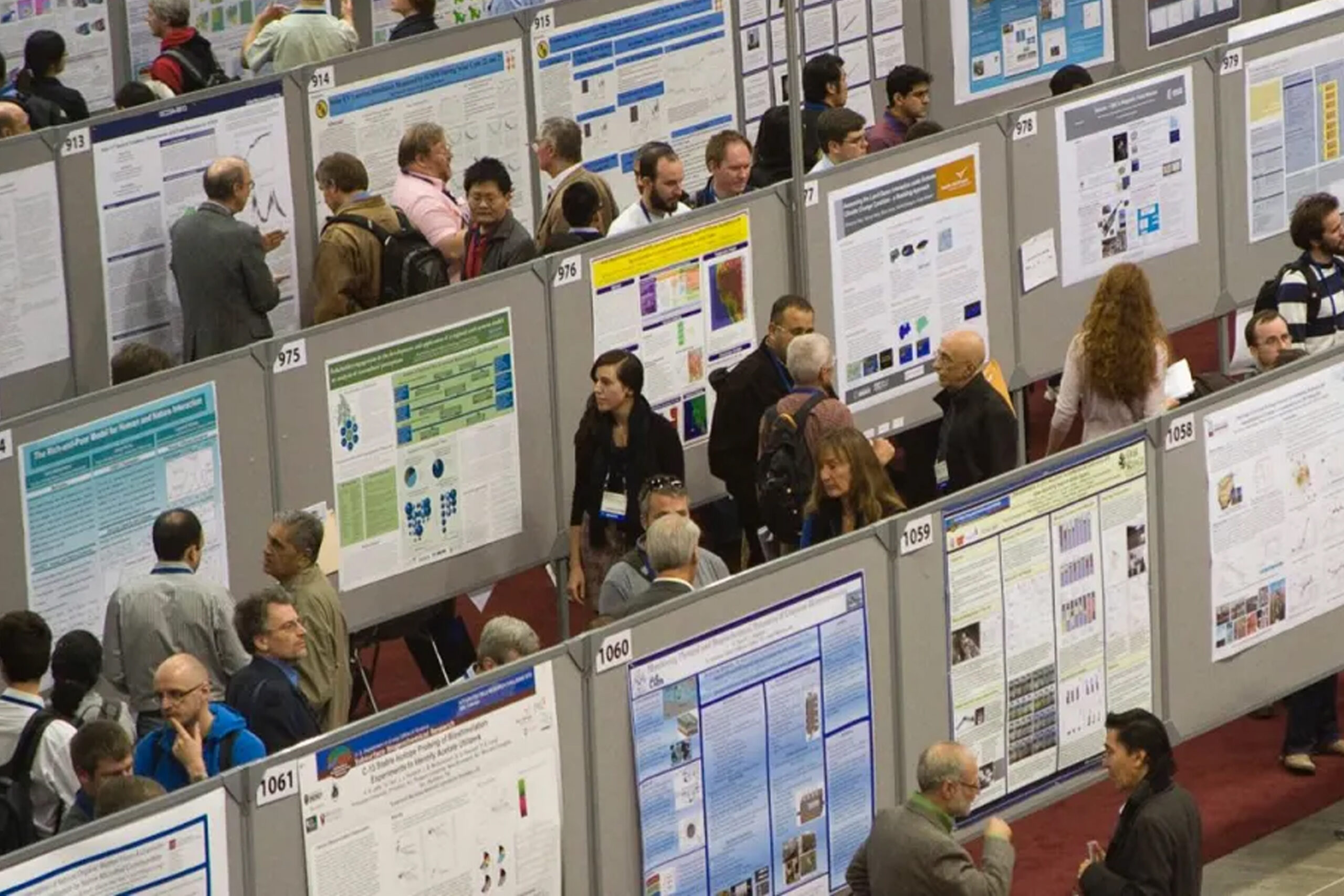
We print academic and research posters in all standard UK and international presentation sizes, including:
-
A4 – Ideal for handouts or mini presentations
-
A3 – Compact display posters
-
A2 – Small conference posters
-
A1 – Most popular student presentation size
-
A0 – Large research & conference displays
-
Custom sizes – Tailored to your university or event requirements
If you’re unsure about sizing, our team can guide you based on your university brief or conference guidelines.
Fast Turnaround for Tight Deadlines
We know student deadlines can be stressful and sometimes last-minute. That’s why Print Prime offers quick turnaround options, including:
-
Same-day poster printing
-
Next-day collection
-
Express priority printing
-
Scheduled conference deadlines
Our production workflow is designed to deliver speed without compromising print quality — so you can present with confidence even on short notice.
Cost-Effective Student Printing
Budget matters — especially for students. We’ve structured our poster printing service to be affordable while maintaining professional standards.
Whether you need a one-off academic poster or multiple copies for group presentations, Print Prime ensures you receive excellent value through efficient production, material options, and student-friendly pricing.
Paper & Material Options
Different projects require different finishes. We offer a wide range of poster materials to suit your presentation style and budget:
Ordinary Bond Paper
-
Cost-effective option
-
Ideal for short-term presentations
-
Lightweight and easy to transport
Glossy Paper
-
Vibrant colours and sharp images
-
Great for scientific visuals and charts
-
Professional, eye-catching finish
Matte Paper
-
Non-reflective surface
-
Perfect for bright conference lighting
-
Easy to read text and graphs
GSM (Paper Weight) Choices
We print on multiple paper weights to match durability and presentation needs:
-
120–140 GSM – Budget student posters
-
180–200 GSM – Standard academic quality
-
250 GSM – Premium rigid feel
-
300+ GSM – High-end display posters
Heavier GSM provides better durability and a more professional appearance during presentations.
Professional Packaging for Safe Transport
Poster safety is just as important as print quality — especially if you’re travelling to present your work.
At Print Prime, we provide secure packaging options:
-
Rolled waterproof packaging – Protects against rain and handling damage
-
Hard poster tubes – Ideal for flights, trains, and international travel
-
Conference-ready packing – Clean, secure, and easy to carry
If you’re presenting in another city or country, our hard tube packaging ensures your poster arrives crease-free and presentation-ready.
Why Students Choose Us
Students trust Print Prime for presentation printing because we combine:
-
Professional academic print standards
-
Fast turnaround options
-
Affordable student pricing
-
Multiple paper finishes
-
Wide size availability
-
Secure travel packaging
-
Friendly, expert support
We don’t just print posters — we help present your work at its absolute best.
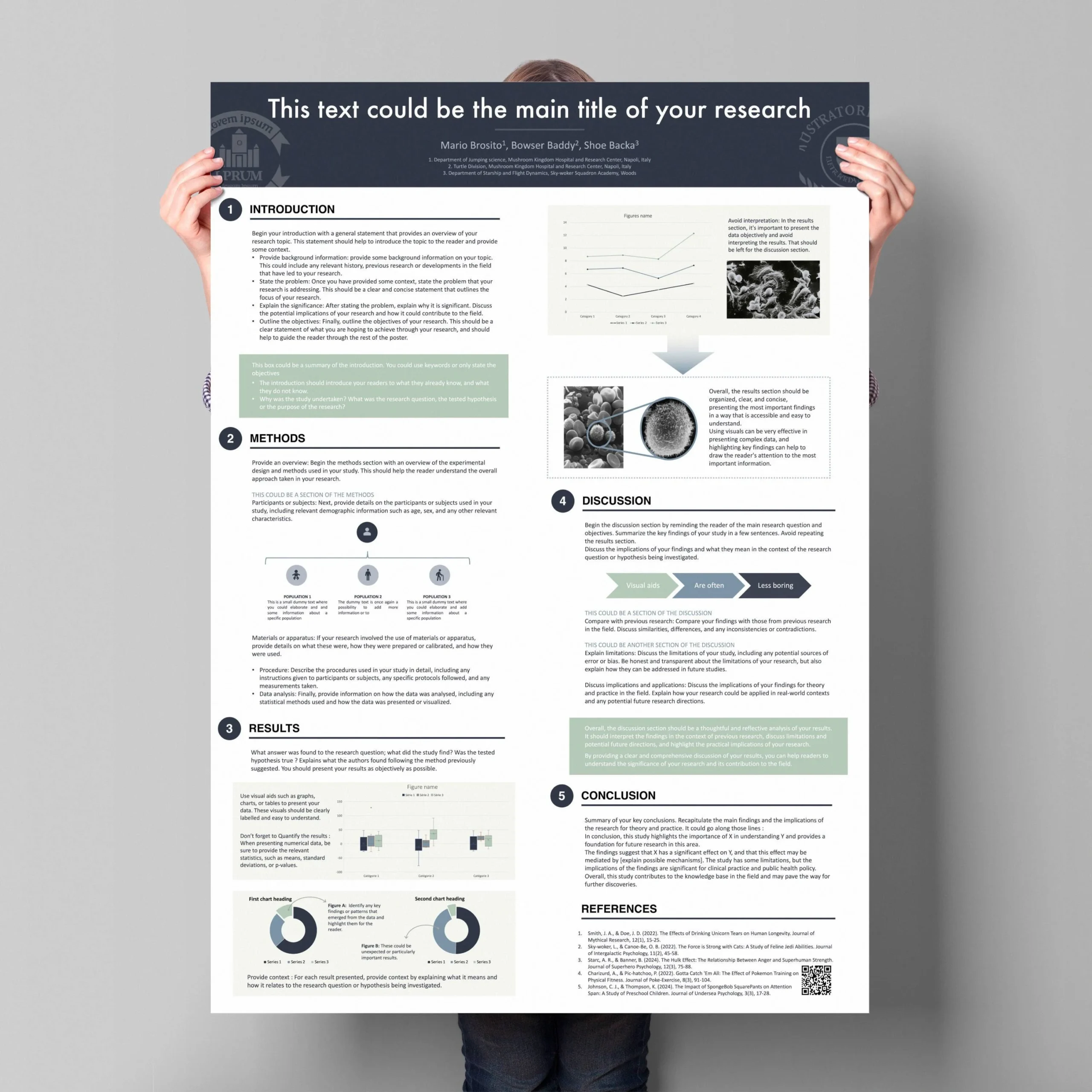
To ensure your student poster presentation prints exactly as you designed it, it’s important to set up your artwork correctly before sending it to print. Following the guidelines below will help avoid pixelation, colour changes, or unwanted cropping.
At Print Prime, we check every file before printing, but preparing your file properly guarantees the best possible result — especially for conferences and academic assessments where presentation quality matters.
1. File Format – Save as PDF
We strongly recommend submitting your poster as a print-ready PDF.
Why PDF?
-
Preserves layout and fonts
-
Prevents element shifting
-
Maintains image quality
-
Ensures accurate print scaling
When exporting:
-
Use High Quality Print settings
-
Embed all fonts
-
Do not downsample images
If you designed your poster in PowerPoint, Illustrator, InDesign, Photoshop, or Canva — export to PDF before uploading.
2. Correct Poster Size Setup
Always set your document to the final print size from the start.
Example sizes:
-
A0 → 841 × 1189 mm
-
A1 → 594 × 841 mm
-
A2 → 420 × 594 mm
-
A3 → 297 × 420 mm
Avoid scaling small files up to large sizes — this causes pixelation and blurry text.
If unsure, our team at Print Prime can check your file size before printing.
3. Bleed & Margins
For most academic posters, bleed is not always required, but it’s recommended if your design has:
-
Background colours to the edge
-
Full-bleed images
-
Border designs
Standard Bleed Setting:
Add 3–5 mm bleed on all sides.
Safe Margin:
Keep all text and logos at least 10–15 mm inside the edge to avoid trimming issues.
4. Image Resolution (DPI)
Resolution is critical for large-format poster clarity.
Recommended DPI:
-
300 DPI – Best quality (ideal for photos & graphics)
-
150 DPI – Acceptable for large posters viewed from distance
-
Below 150 DPI – May appear blurry or pixelated
If you searched Google for:
-
“Why is my poster blurry when printed?”
-
“Best DPI for conference poster printing”
The answer is almost always low resolution images.
Always use high-resolution charts, graphs, and logos.
5. Colour Mode – RGB vs CMYK
Design software often uses RGB (screen colours), but printing uses CMYK.
For best accuracy:
-
Convert files to CMYK before exporting
-
Expect slight colour variation from screen to print
-
Avoid overly bright neon colours
Our printers at Print Prime are calibrated for professional colour output, ensuring your charts and visuals remain accurate and vibrant.
6. Fonts & Text
To prevent font errors:
-
Embed fonts in your PDF
-
Or convert text to outlines/vectors
-
Use clear academic fonts (Arial, Helvetica, Calibri, etc.)
-
Minimum text size: 24–32 pt for readability
Remember — posters are read from 1–2 metres away.
7. File Naming & Submission Tips
When uploading your poster, name your file clearly:
Example:StudentName_A1_Poster.pdf
This helps avoid confusion during fast turnaround printing.
You can submit files via:
-
Email
-
Website upload
-
USB in store
-
Cloud links (Google Drive / WeTransfer)
Final Pre-Print Checklist
Before sending your file, make sure:
-
Size is set correctly
-
Saved as High-Quality PDF
-
Images are 150–300 DPI
-
Fonts are embedded
-
Margins are safe
-
Bleed added if needed
If you’re unsure about anything, Print Prime offers free file checks to ensure your poster prints perfectly the first time.
Share This Story, Choose Your Platform!
Order NOW.

CAPTIVATING READS

Our blog is packed with articles and stories based around lifestyle, business, design and wellbeing. Subscribe now to get all of our updated directly to your inbox every week.